
In this article
The Meta Ads Library is often used in the simplest possible way: you search for a competitor, scroll through a few ads and save the ones that look interesting.
It can be useful, but it is a fairly superficial use.
The value goes up when the research becomes more structured. You no longer look only at individual creatives, but start to observe which messages come back, which formats are used, how long some ads stay active, in which markets they are distributed and which patterns emerge within the same advertiser or the same category.
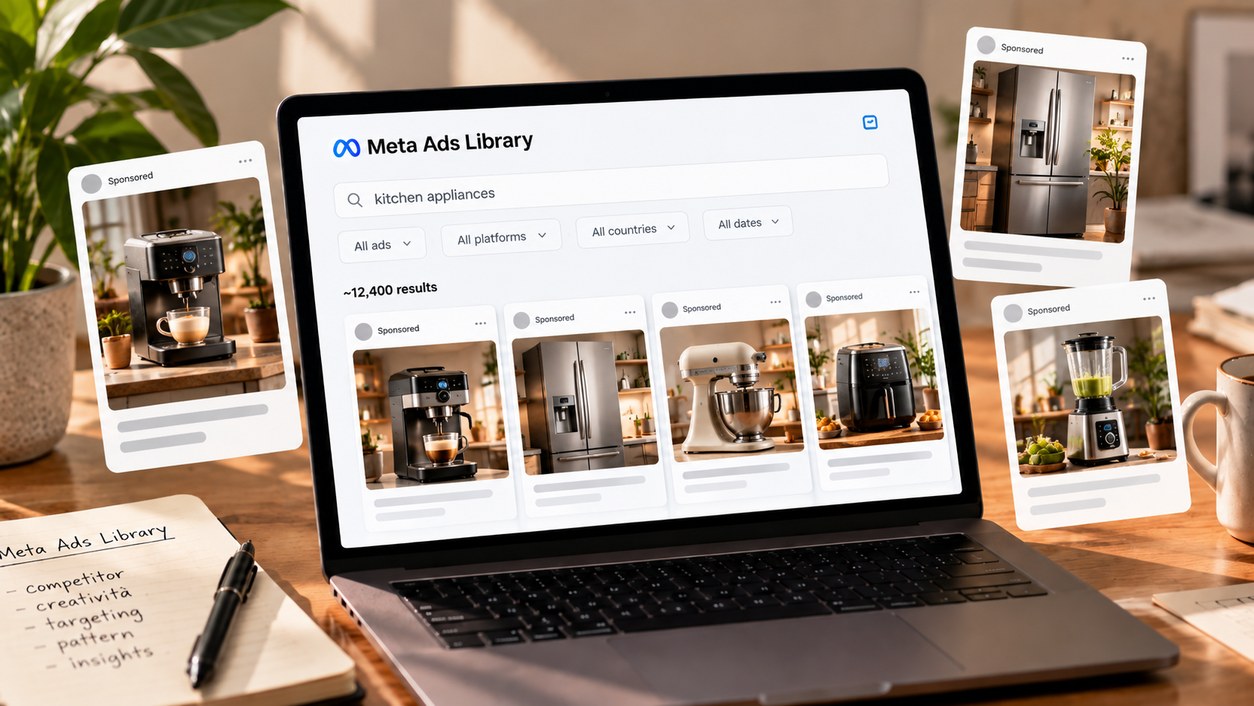
The Meta Ads Library was created precisely as a public database of ads active on Meta technologies. It lets you search other advertisers' campaigns, analyze creative, copy and distribution and use this information as input for your own strategy.
What the Meta Ads Library is and what you can see
The Meta Ads Library is a free database collecting the ads currently active on Meta technologies, including Facebook, Instagram, Messenger, WhatsApp, Threads and Audience Network. The basic functions are also accessible without logging in to Facebook.
You can search directly for an advertiser’s name or start from a keyword. Once you find the ads, you can read the full copy, see images or videos, check the landing page and narrow the results with several filters.
What you find inside the Library
Depending on the search, you can see elements such as:
- advertiser
- copy
- images and videos
- landing page
- country
- platforms where the ad is delivered
- media type
- period of activity
- branded content and paid partnerships
The interesting part, though, is not any single data point. It is how multiple pieces of information start to form a picture.
What you can see and what you cannot know
You can see
- Active ads
- Copy
- Visuals and videos
- Formats
- Placements
- Country
- Duration
- Branded content
You cannot conclude directly
- Which ad generates the most sales
- ROAS
- CPA
- Revenue
- Which creative is really the winner
Elements such as repetition and longevity should be used to infer what might be interesting or effective, not to determine with certainty which ads have the best results. It is an important difference.
The Library is a competitive observation tool. It is not the competitor’s analytics dashboard.
How to find relevant competitors, ads and patterns
The most obvious starting point is to search for a brand directly.
By entering the advertiser’s name you can see its active ads and start comparing messages, visuals and formats within the same account. It is a useful way to analyze competitors and spot recurring elements.
Start from advertisers, but do not stop at brands
Looking at a single competitor can help you understand how it is communicating at that moment. It becomes more interesting when you compare several ads from the same advertiser: if you find repetition in how a product is presented, in the type of image used or in the copy, you have a first signal that this direction is getting continuity.
Then you can do the same across several competitors in the same category. There is no need to look for a definitive explanation straight away. At this stage the goal is to collect signals.
Search by keyword too
The Meta Ads Library also lets you search for terms related to the market or the product. For example, you can start from category keywords and then narrow the search to more specific terms tied to the products. This approach is useful because it avoids limiting the search to the competitors you already know.
You can start from:
- category
- type of product
- product name
- terms the market normally uses
A keyword search can bring up advertisers you had not considered and, above all, show how different brands are communicating around the same theme.
Look for patterns, not single ads
A single creative can be interesting, but a set of creatives with recurring elements is much more useful to analyze. It is worth observing patterns in copy, images and formats: these repetitions can be a signal of what an advertiser keeps backing.
A single ad gives you an example. Several ads with recurring elements start to show you a pattern.
The point is not to conclude that the pattern is necessarily working, but to recognize that it deserves more attention than an element that appeared only once.
The filters that make the search useful
Once you have found an interesting advertiser or keyword, filters become the part that makes the search more precise.
Among the available filters, four are particularly useful: country, runtime, placement and media type.
Country
If you work across several markets, you can filter ads by country and see what is actually being delivered in that specific geography.
This can help you compare:
- advertisers active in different markets
- creatives used in a specific country
- differences in execution between markets, if any
The country filter is there precisely to understand what competitors are doing in different geographic areas. Here too, the value is not in the filter itself. It lies in avoiding overly generic comparisons when the market you care about is specific.
Runtime
How long an ad has been running is probably one of the most interesting signals available in the Library. If an advertiser keeps a given ad active for a long time, this can indicate that the asset has proven particularly effective.
The point to preserve is precisely that word: can.
Duration can therefore help you prioritize what is worth a closer look. It should not become a shortcut for declaring a winner.
Placement and media type
The Library also lets you check which platforms the ads are delivered on and filter the results by format.
Placement
- Messenger
- Threads
- Audience Network
Media type
- Video
- Image
- Carousel
- Other available formats
This information can be useful for understanding how an advertiser is adapting its communication. For example, you can see whether it mainly uses video or static, whether it presents the same product in several formats or whether some executions seem to be distributed across several platforms.
It does not mean you should automatically replicate that choice. But it gives you another level of reading beyond the content of the single ad.
How to turn research into useful strategy input
At this point the question is no longer "what can I see in the Library?". It becomes: what should I look at when I open a competitor’s profile?
There are several uses: competitor analysis, keyword research, format study, branded content and the search for creative inspiration. To avoid browsing without a logic, it helps to have a checklist.
What to look at in each competitor
What to look at in each competitor
Messages
- Which benefits recur?
- Which claims are repeated?
- Are there messages that come back across several ads?
Creative
- Which visuals are repeated?
- What style is used?
- How much space do video, images and carousels get?
- Is the same product presented in different ways?
Distribution
- In which countries are the ads active?
- Which placements appear?
- Which media types are used?
Persistence
- Which ads seem to have been active the longest?
- Are there patterns that recur in the longest-running creatives too?
Partnerships
- Does the brand use creators?
- Is there content with paid partnerships?
- What kind of branded content appears in the Library?
Meta in fact also lets you search for creators' sponsored content and see partnerships through the section dedicated to branded content.
Look for ideas outside your industry too
The research does not have to stop at direct competitors. It is also worth looking at brands with interesting advertising or branding even if they belong to different categories. This approach can be especially useful when your industry tends to keep using the same executions.
Instead of copying a competitor, you can observe how other brands:
- show the product
- build the message
- use video or images
- make a creative immediately readable
The goal is not to replicate the ad, but to understand which principles can generate new directions to explore.
Turn patterns into hypotheses to test
The Meta Ads Library becomes really useful when what you observe stops being a collection of screenshots and starts producing hypotheses.
A simple process can look like this:
Turn patterns into hypotheses to test
- 1
Find relevant advertisers and keywords
Start from the competitors you know and widen the search through category and product keywords.
- 2
Narrow the search by market
If you work in a specific geography, look at what is actually published there.
- 3
Look at format, placement and duration
Do not stop at the message. Also observe how and where it is distributed.
- 4
Look for recurring messages and visuals
Identify elements that come back across several ads instead of focusing on a single execution.
- 5
Use what emerges to generate new creative hypotheses
Turn what you observe into directions to explore, not ads to copy.
The most important step is the last one. Competitive research should not produce a list of ads to copy. It should produce better questions about what is worth testing.
Does the Meta Ads Library show all ads?
It shows the ads active on Meta technologies. Non-political ads normally stay visible while they are active, whereas different retention rules exist for political, electoral or social issue ads.
Do I need a Facebook account to use the Meta Ads Library?
No. The basic functions of the Meta Ads Library are free and can be used without logging in to Facebook.
Can I tell which of a competitor’s ads are performing best?
Not directly. An ad’s duration and the presence of recurring elements can be interesting signals, but they are elements to draw inferences from, not direct proof of the campaign’s economic performance.
The Meta Ads Library does not replace performance data and does not let you know with certainty which of a competitor’s creatives is generating the most results.
It can, however, show you what the market is publishing, which messages keep recurring, which executions stay active longer and how different brands adapt product and communication across markets, formats and placements.
The value is not in copying what you find. It is in reading patterns without mistaking them for proof of performance, and turning what you observe into new hypotheses to test in your own account.